
The Transylvania County Court Calendar
Transylvania County relies on North Carolina's statewide application for its civil and criminal court calendar files. The NC Judicial Branch Civil and Criminal Calendars finder needs two filters before it returns anything. First pick the County, then the Calendar Type. For this county, that means selecting Transylvania and then Civil or Criminal. Results can include Transylvania District Civil, Superior Civil, District Criminal, and Superior Criminal files whenever current material has been posted.
Keep in mind what a calendar file is not. It does not look up a party name, case number, charge, attorney, or a date range you choose yourself. It simply points you to the calendar document for the right Transylvania court division. The narrower question is whether a particular case is still set. That belongs to the public eCourts Portal's Search Hearings tool, a court notice, or the Clerk of Superior Court.
For a single landing spot, turn to the Transylvania Local Administrative Schedules page. It gathers the calendar links, the Portal route, and the current District 42 schedule materials in one place.
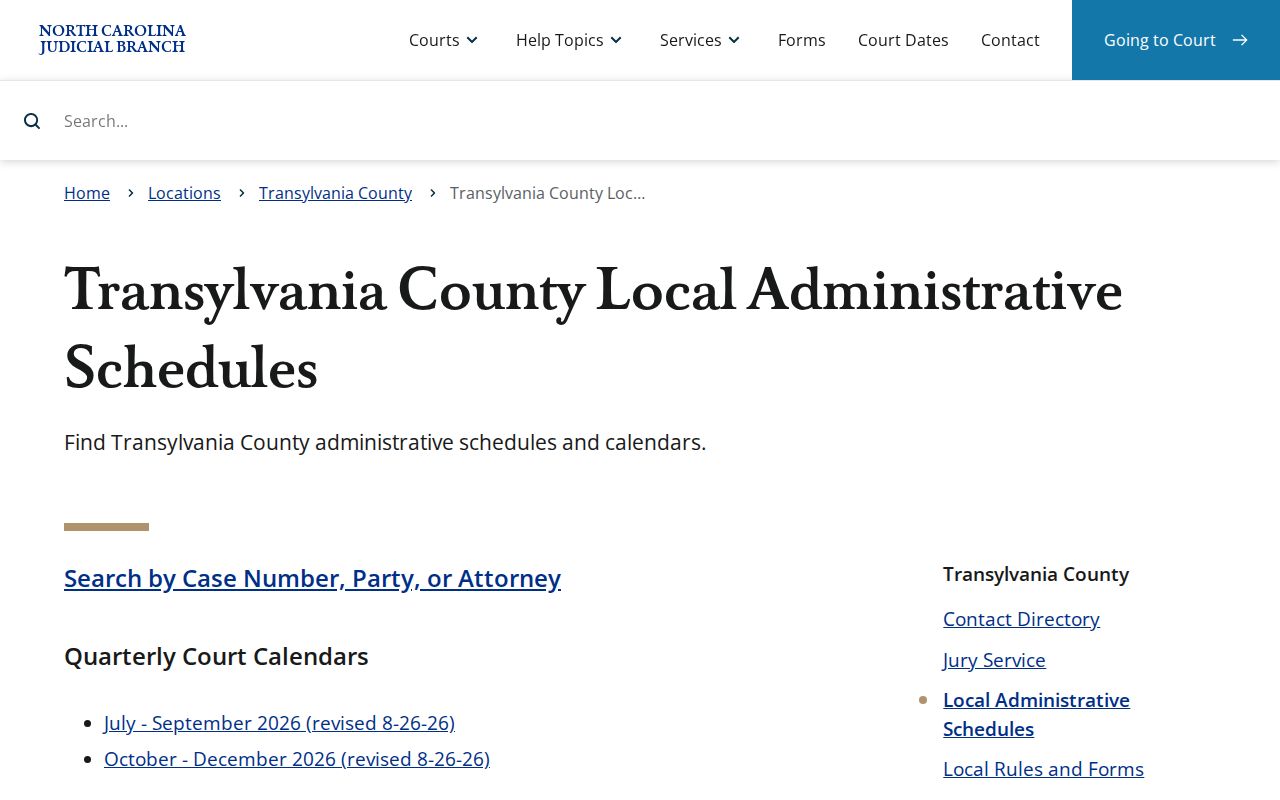
That local schedule page gives the administrative frame for Transylvania court dates. Still, every calendar entry deserves a case-specific check close to the appearance date.
Transylvania Court Calendar Finder Filters
The Transylvania calendar finder works through a few dropdowns. Pick Transylvania as the county, choose Civil or Criminal for the calendar type, then hit Search to pull the calendar files it has. That is the whole path. It skips the finer search fields you would see in the Portal. So if all you have is a name, an attorney, a courtroom, or a case number, do not squeeze it in here. Search Hearings handles that kind of lookup far better.
| Tool | Best use for a Transylvania court date | What it does not answer alone |
|---|---|---|
| Calendar finder | Find a posted Transylvania Civil or Criminal calendar file. | A single party's next hearing or calling order. |
| Portal Search Hearings | Search a current hearing by case, party, attorney, judicial officer, or courtroom within a date range. | Whether a remote link exists or whether a notice has superseded a result. |
| Clerk and court notice | Confirm a changed, missing, or court-specific setting question. | A substitute for appearing when a valid notice requires attendance. |
Do not treat the finder as the last word. The state calendar site warns that counties do not all post or refresh every civil and criminal docket there. It points to local rules when a file you want is missing. Transylvania results do appear. Even so, a docket check still deserves a fresh pass before a hearing. Run a Portal hearing search and grab the newest posted file. Courts update their calendars when they choose, so the latest word belongs to the clerk.
How to Find Your Court Date
North Carolina's official Find My Court Date tool leads to the eCourts Portal. Open Search Hearings and pick Transylvania County as the location. Then choose the hearing type offered for that spot. You must also select a search type, type its matching value, and set both a From and a To date before the docket results load.
Search by case number, party name, business name, attorney name, or attorney bar number. Judicial officer and courtroom work as search types too. Any of these can surface your hearing on the Transylvania County court docket.
- Open Find My Court Date and enter the eCourts Portal's Search Hearings tool.
- Select Transylvania for Location, choose the available Hearing Type, and select the matching Search Type.
- Enter the name, record number, attorney information, judicial officer, or courtroom value that matches the chosen search type, then set both date endpoints.
- Open the linked case through Smart Search and compare the hearing with the public Case Summary/Register of Actions.
- Check the matching posted calendar file and District 42 schedule, then confirm any conflict with the notice, attorney when represented, courtroom staff, or the clerk.
When the online record seems unclear, other Transylvania court-date channels help. Look over the posted civil or criminal calendar. You can also use the clerk's counter or public terminal, or call the Clerk of Superior Court at (828) 885-3000. A party's attorney or a mailed court notice also counts where one applies. The Portal result grid can be sorted. But the courtroom clerk controls the actual calling order.
Transylvania Court Calendar Hearing Check
For one specific Transylvania setting, Search Hearings makes the best first check. It joins the location, hearing type, search criterion, and date window in one result. The Portal's Smart Search then opens the public Case Summary/Register of Actions where available. From there you can compare the hearing against recorded events and public documents. A calendar PDF or quarterly schedule sits at a different level of detail. It describes a court session or assignment, not a promise that a specific case is still on the call.
One more caution. A Search Hearings result is not a remote-appearance service. The state materials never present it as a place to find remote access instructions. If a Transylvania appearance might happen remotely, rely on the case notice, local court instructions, your attorney if you have one, or clerk confirmation. Never assume a hearing listed online can be joined from home.
Use two checks for a specific setting. Compare the Portal hearing result with the Case Summary and the current Transylvania notice or clerk instruction before relying on a calendar file.
Reading a Court Setting
A Transylvania County hearing result can carry several fields. Expect date, time, courtroom or location, judicial assignment where recorded, and hearing type. Each one answers a different question. The date and time say when the court expects the matter; the division, courtroom, and location say where it is set. The hearing type separates an arraignment from other settings. Those include a pretrial matter, an administrative setting, a motion hearing, or a trial-related date. None of it promises how long the appearance lasts or how it ends.
| Date | The scheduled Transylvania court-calendar date for the displayed hearing, subject to later court action or notice. |
|---|---|
| Time | The recorded hearing time. It may not establish a case's precise calling order within a broader session. |
| Location or courtroom | The assigned court location or courtroom, which must be checked against the current District 42 schedule and notice. |
| Judicial assignment | The judicial officer or court assignment where it appears in the public case data; court assignments can change. |
| Hearing type | The Portal's selected or recorded setting category. Confirm unfamiliar terms with the court office instead of guessing. |
In older converted Transylvania cases, a case-event display may list 12:00 a.m. as a converted legacy timestamp. That does not mean the event actually happened at midnight.
Transylvania Court Calendar District 42
District 42 spreads its judges across Henderson, Polk, and Transylvania Counties. The schedule page currently carries two quarterly calendars. One covers July through September 2026. It was revised August 26, 2026. The other covers October through December 2026, effective the same date, August 26, 2026. These grids help you see how sessions are assigned across the district. But they divide work among several counties. Read them as district context, not as a Transylvania docket call for one location. To pull an actual court docket or case date, use the North Carolina civil and criminal calendar finder. Check the District 42 schedule source for the newest posted files.
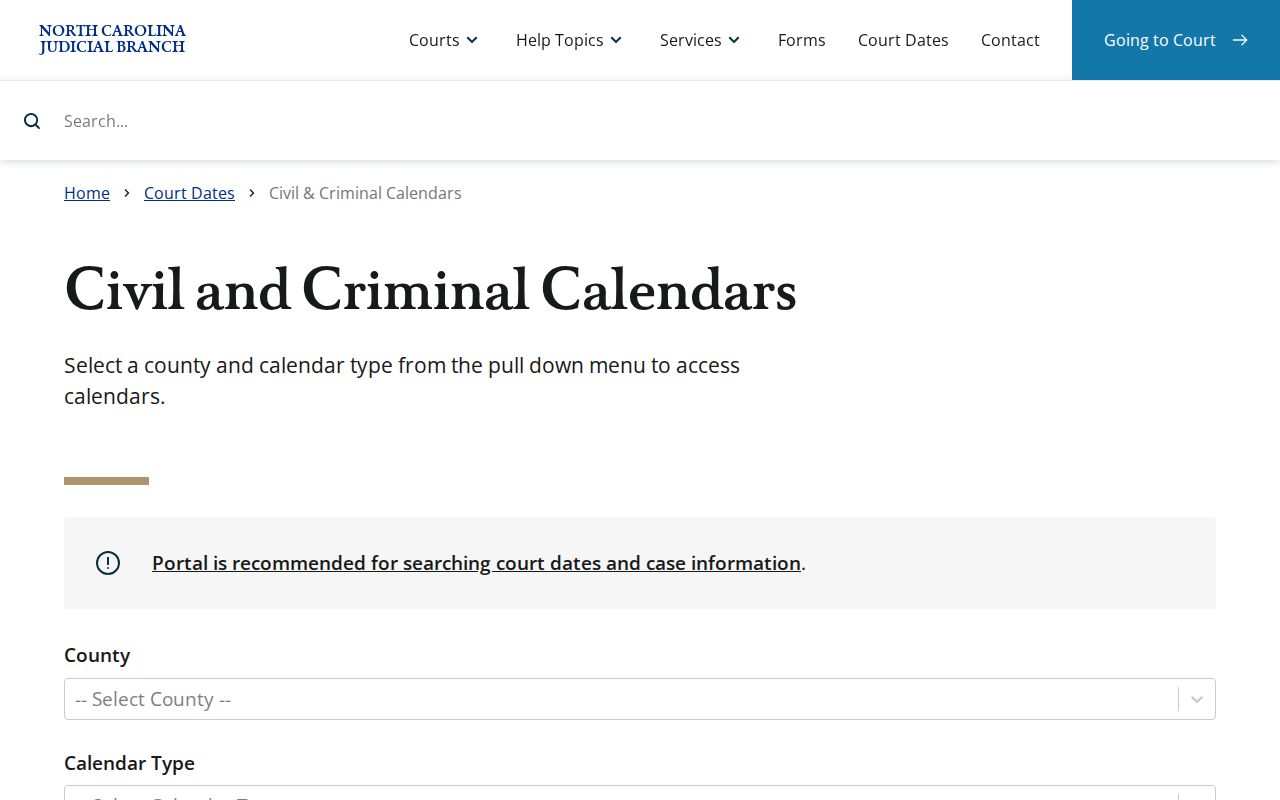
That state finder sends a Transylvania court-calendar lookup to files organized by court. Search Hearings works the other way. It follows one case to its next court date.
Transylvania Court Calendar Schedule Terms
The District 42 grids lean on abbreviations. Only one is defined in the posted material. FA/NDV means First Appearances and NEW 50Bs ONLY. Take that label literally; it does not cover every first hearing or every protective-order matter. When another abbreviation matters for a Transylvania filing, notice, or appearance, confirm its meaning with the court office that uses it.
- FA/NDV
- First Appearances and NEW 50Bs ONLY, as defined on the current District 42 schedule.
- Setting
- A scheduled court appearance. It is not a promise that the case will be tried or completed that day.
- Continuance
- A postponement requested or ordered by the court. An agreement between parties is not automatically a granted continuance.
Family cases carry their own caution. The grid itself says family issues may be noticed on dates marked for family matters. There are listed exceptions and room for judicial discretion. So a Transylvania court calendar always pairs with two things. Check the court location and the case-specific notice before relying on any date.
Resets, Continuances, and Cancellations
Court settings move for many reasons. A continuance, a closure, a case not reached, or an administrative change can shift a Transylvania calendar. A vanished entry does not mean dismissal. A shared schedule is never the final calling order either. To verify a change, work through Search Hearings, Smart Search, the newest calendar file, and a confirmation from the clerk. Local rules make confirmation court-specific. District 42 Superior Court civil matters follow a February 13, 2026 policy. It strongly disfavors continuances. A written request generally must arrive at least 14 days before the proceeding, with service or copies to every party and an Odyssey-Enterprise Justice upload by the requester. A judge then handles the request. Agreement among counsel alone approves nothing. The Transylvania local-rules index holds the current policy materials. Criminal scheduling runs on its own local and statutory sequence, especially after indictment. Ask the clerk or the assigned court about your Transylvania setting. Do not apply the civil policy to a criminal case.
Transylvania Court Calendar File Types
Civil and criminal calendar files answer different questions. The Transylvania Civil Calendars route lists civil calendar material by court level whenever it is posted. For the criminal side, the Transylvania Criminal Calendars route works the same way. Pick the wrong type and the file you need may simply not appear. The case itself is still fine.
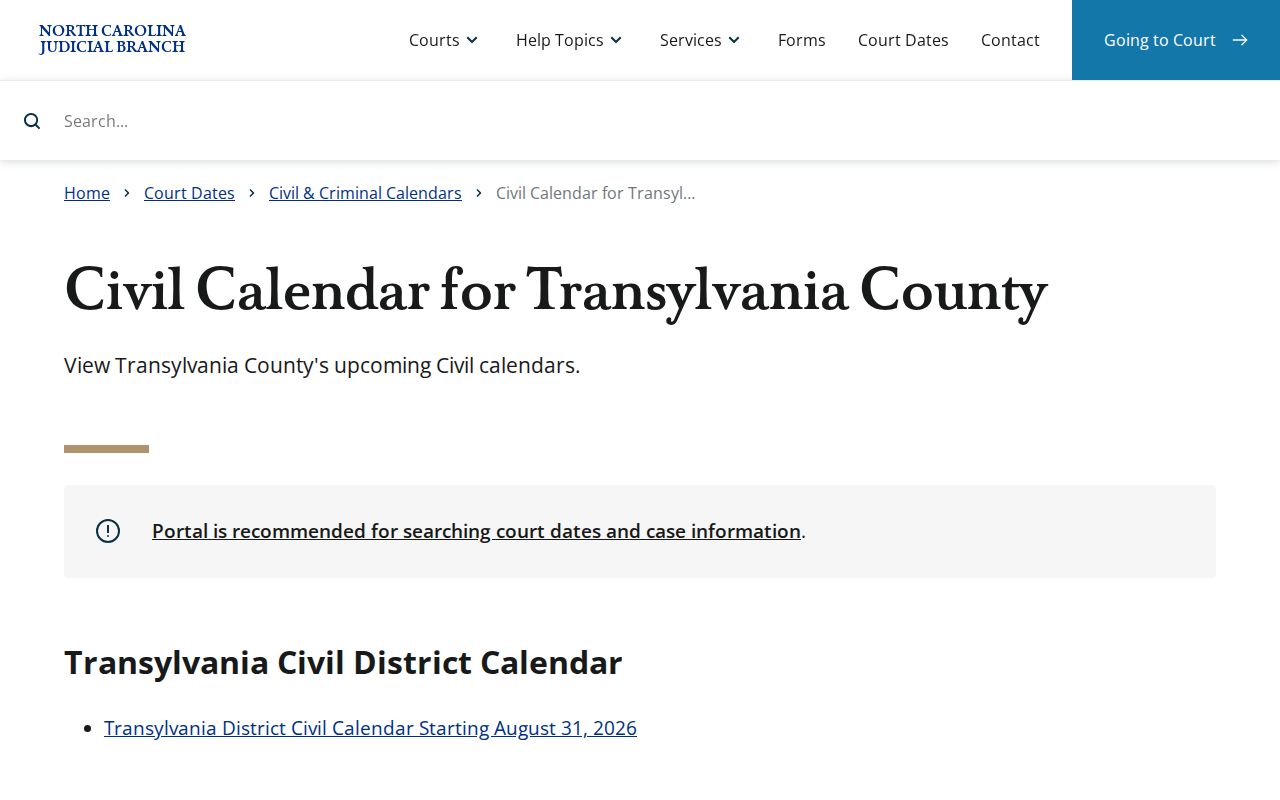
The civil results there show the calendar-file route for Transylvania civil sessions. They are not a party-name search for one court date. The matching criminal route is the official Transylvania criminal calendar results.
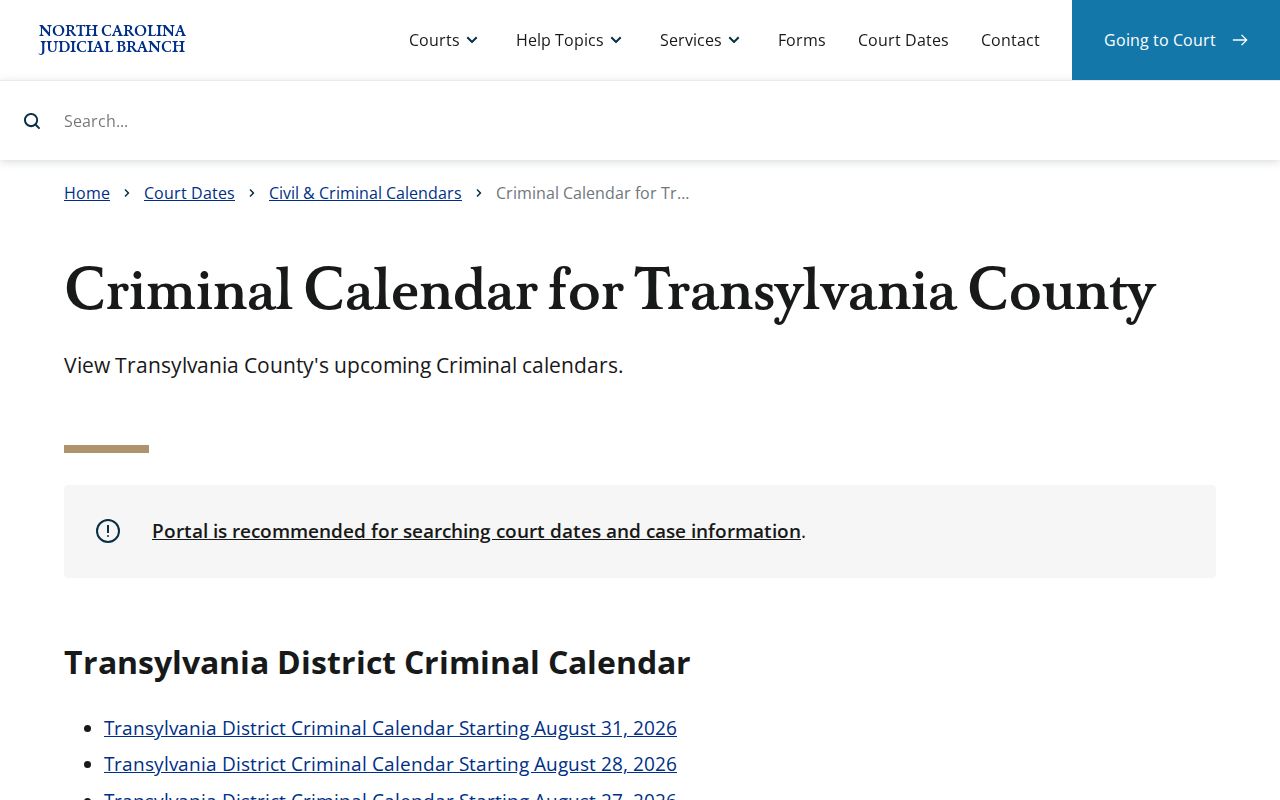
The criminal results give the same session-level Transylvania view. For a confirmed case setting, the individual hearing search and the court's notice still beat the grid.
What To Do If You Miss a Setting
Miss a Transylvania court date? Move fast. Start with Search Hearings and Smart Search, then read the latest notice. After that, contact the Clerk of Superior Court. Ask about the local rescheduling procedure. The official court-date instructions say rescheduled dates after closures or cancellations normally go out by mail. They tell anyone who missed court to contact the clerk. If an attorney represents you, call that office too, since it receives the case notices.
Missed a setting? A missed criminal court date can have failure-to-appear consequences and should not be treated as resolved because a calendar file does not show the case.
Contact the Transylvania Clerk of Superior Court promptly at (828) 885-3000 to ask for the court's current local procedure and confirm the next date.
For a pending case, obtain advice from a licensed attorney about the missed Transylvania setting before relying on an online calendar entry.