
Searching Cases by Name
Open the North Carolina eCourts Portal. Pick Smart Search to look up a public local case. Enter a party name last-name first. The Portal returns public results from Odyssey counties, Transylvania included. Beyond party names, it searches business names and attorney names. It also covers citation numbers, record numbers, case cross-reference numbers, attorney bar numbers, and nicknames through its documented search choices. Public use is free. Anonymous users may search public information without an account.
Narrowing matters. Get the spelling right. Set Transylvania as Location, and add a filing-date range when the period is known. An account can save public matters in My Cases, though registration grants no elevated access. The Portal is party based. It cannot run a criminal case search by charge or offense.
- Open the eCourts Portal and select Smart Search.
- Enter a party name in last-name-first form, or select the documented business-name option.
- Open Advanced Filtering Options and select Transylvania as Location.
- Add a date range, case type, or case status only when the information is reliable.
- Select the linked record number to open the public Case Summary and Register of Actions.
| Smart Search field | Input | Needed? | Transylvania use |
|---|---|---|---|
| Record Number or Name | Text | Yes for a basic search | Use a party name or an exact known number. |
| Location | Selector | Optional filter | Choose Transylvania to focus the result list. |
| Case Filing Date Range | Two dates | Optional filter | Useful where a broad name has many results. |
| Case Type and Status | Selectors | Optional filters | Use only when the category is known; an incorrect choice can omit a case. |
Transylvania Case Search Limits
Smart Search caps a single query at 200 results. Treat that ceiling as a prompt to narrow. Do not guess at some other person or case. The county location, a filing-date range, a type, or a status filter will trim the list. The Portal Advanced User Guide walks through this filter workflow. It also notes that a basic criterion must come before advanced filtering can refine anything.
Wildcards follow set formats. For a person, use at least three last-name characters followed by *. Then use at least one first-name character followed by *. A number pattern needs at least four characters before the *. A no-result can stem from a spelling or format slip, the wrong location, or a filter mismatch. It can also stem from an unavailable record, or no accessible match at all. The system will not tell you which.
Search boundary: A public Portal search is not a charge or offense lookup. Search by the documented name, record, citation, business, attorney, or related criteria instead.
Searching by Case Number
A case-number search is exact. Current Portal formats pair a two-digit year with a case-type code, a six-digit sequence, a hyphen, and a three-digit location code. Transylvania's county suffix is 870. The synthetic layouts YYCR######-870 and YYIF######-870 only illustrate the criminal and infraction pattern; they are not real file references. Civil examples include YYCVD######-870, YYCVM######-870, and YYCVS######-870.
A code helps retrieval. It says nothing conclusive about the matter itself. Legacy prefixes can show up in older records, but never invent a prefix in place of an actual case search. Missing the full number? Go back to a party or business search with Transylvania as Location. The county's Judicial Branch location page confirms that the local courts run on the statewide system.
Transylvania Portal Search Choices
Smart Search answers the broad question: which public cases match a name or record number? It also shows what the case summary displays. Search Hearings handles the narrower date question. There, choose Transylvania as Location and pick the offered hearing type. Then select a Search Type, enter the matching value, and supply both Date From and Date To. Search types include case number and party name. They also cover business name, attorney name, attorney bar number, judicial officer, and courtroom.
The Find My Court Date service points people to the Portal's hearing search. Compare any hearing result with Smart Search. Where timing matters, check with the clerk or the court notice. The county's Local Administrative Schedules add court-level context. No general schedule, though, proves that an individual case remains set.
- Smart Search
- The Portal search for public case summaries and their available fields.
- Search Hearings
- The Portal search for current hearings in a selected date range.
- Location
- The court or county selector used to focus the search, including Transylvania.
- Register of Actions
- The Portal’s public chronological case-summary view.
What a Case Search Returns
Click an underlined record number and the Portal opens the Case Summary, also called the Register of Actions. Depending on the case and access status, the view can include Case Information, assignments, public parties, case events, dispositions, hearings, financial information, and permitted records or documents. A civil, family, probate, or mental-health case may also show Causes of Action where the type supports it.
| Case Information | Record number, case type, status, filing or record details, and other top-level case data. |
|---|---|
| Assignment Information | Court, division, courtroom, or judicial assignment when the data is available. |
| Case Events | Public chronological entries for filings, hearings, orders, and other activity. |
| Dispositions | Public outcome or status information, read with the events for context. |
| Hearings and documents | Scheduled public hearing data and public documents that the system permits a user to view or print. |
The Portal training resources serve as the state's current reference for public Portal use. A case summary helps you locate information, but it is not the official court record.
Transylvania Case Summary Fields
Some terms on a Transylvania County case summary are easy to misread. A disposition is simply the recorded outcome of a case. Pending means no final outcome has been entered yet. A setting is a court date that has been scheduled. That schedule is not a promise of trial or any final action on that day. Older converted events can also display a time of 12:00 a.m. The Portal FAQ treats this as a conversion quirk, not as proof anything happened at midnight.
Expect a short lag, too. The public summary updates nearly in real time, but filings and events need processing before they appear. Some items in the official court record may never show in public results. Need a certified copy of a Transylvania County case? Call the Clerk of Superior Court through the county contact directory. A screen view is not a certified document.
For help reading the search screens, the Portal Training and Resources page walks through each field the public search displays.
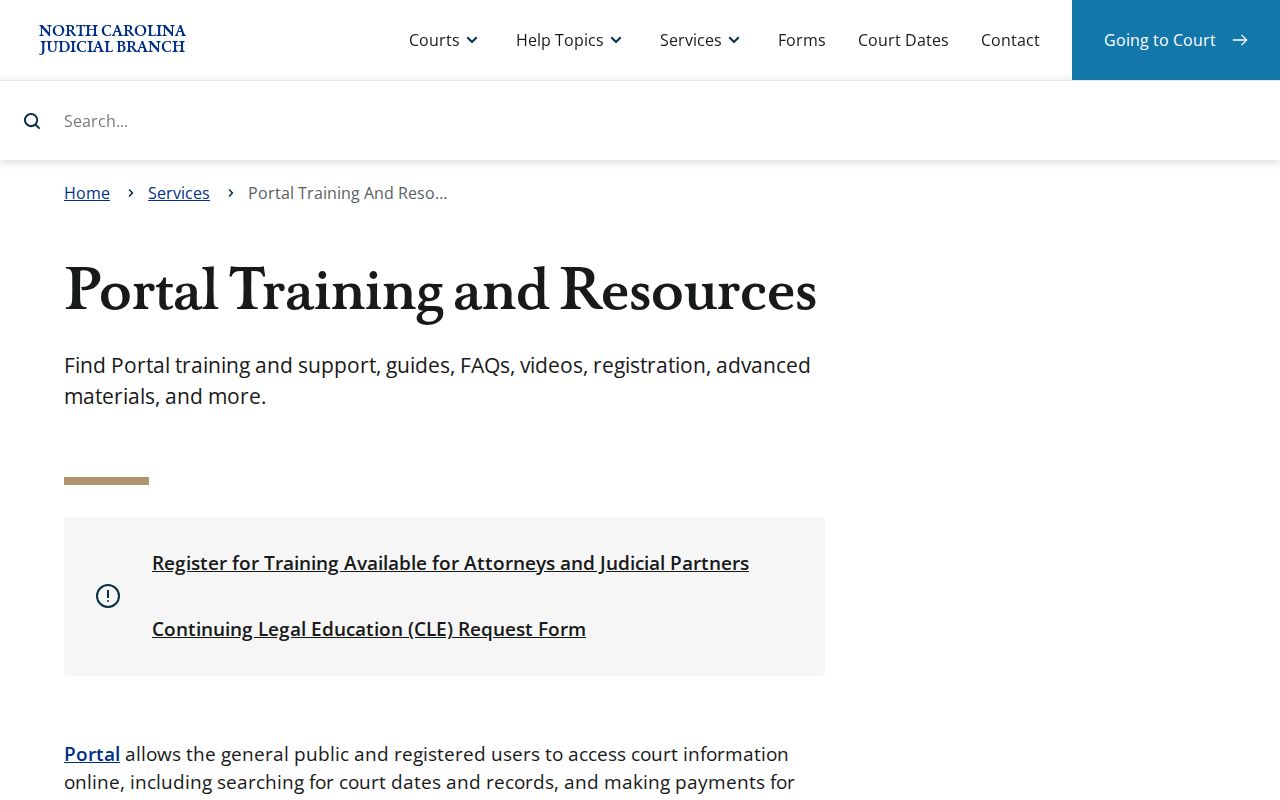
Help guides can teach the public interface. The official Transylvania court file still sits with the clerk, who serves as its keeper.
Statewide vs County Case Search
Transylvania County has no portal of its own. The North Carolina eCourts Portal handles statewide public search across Odyssey counties instead. The Transylvania Clerk of Superior Court is the local route for paper files and certified copies. It also serves in-person review. That office is where you find a public self-service terminal. It covers criminal, civil, special-proceeding, and estate research in every clerk's office.
| Channel | Best answer | Important limit |
|---|---|---|
| eCourts Portal Smart Search | Public case summary, events, and permitted documents | It is not the official record. |
| Portal Search Hearings | Current hearing inquiry by location and date range | It is not the complete case history. |
| Transylvania clerk counter or terminal | Available local public file access and copy questions | Confidential or sealed material remains restricted. |
| Clerk by phone | Case-specific availability and certified-copy questions | The official directory does not publish a separate records email. |
Need a paper file? Go to the clerk in the county where the case sits. The state records-access instructions say exactly that. Transylvania's courthouse and clerk contact details come from the Judicial Branch.
Transylvania Hearing Search Difference
Search Hearings answers one narrow question. Use it to see whether a public session falls inside a date range. Smart Search does more. It pulls the whole public case summary: events, dispositions, and any documents on offer. The hearing interface does not supply virtual-hearing links. Nor does its results grid decide courtroom calling order. Any remote-access instruction must come from the court or clerk handling that matter. A current hearing can move after a continuance or calendar change. For civil cases, the posted Transylvania Civil Calendars offer some context. Still, a linked case result or a court notice stays more specific. Do online details clash with a notice? Call the local clerk if something urgent is missing.
Access and Restricted Cases
Public search results never show the whole file. Juvenile files stay closed under N.C. Gen. Stat. § 7B-3000, and expunction materials are confidential under N.C. Gen. Stat. § 15A-151. Ordinary Portal users cannot view sealed records either. Some other categories get narrower online access. Asking the clerk at the counter in person is still fine for those. Registering or adding My Cases changes none of this. Public display masks date of birth, skips aliases, and offers no Social Security validation. An empty result cannot prove a case was expunged, sealed, or never filed. Ask the Transylvania clerk what public access, if any, applies to a case you can identify.
Transylvania eCourts Search History
Transylvania joined the eCourts Track 5 rollout on July 22, 2024. The switch brought the public Portal, Enterprise Justice case management, and File & Serve for electronic filing. North Carolina has since finished the statewide conversion. Online access to cases and events improved. Not every old local file or image became a public document online. Federal cases live elsewhere. Anything filed in the Asheville Division of the Western District of North Carolina runs through federal PACER and CM/ECF. It does not run through the state Portal. The official federal court lookup shows how that federal search works.
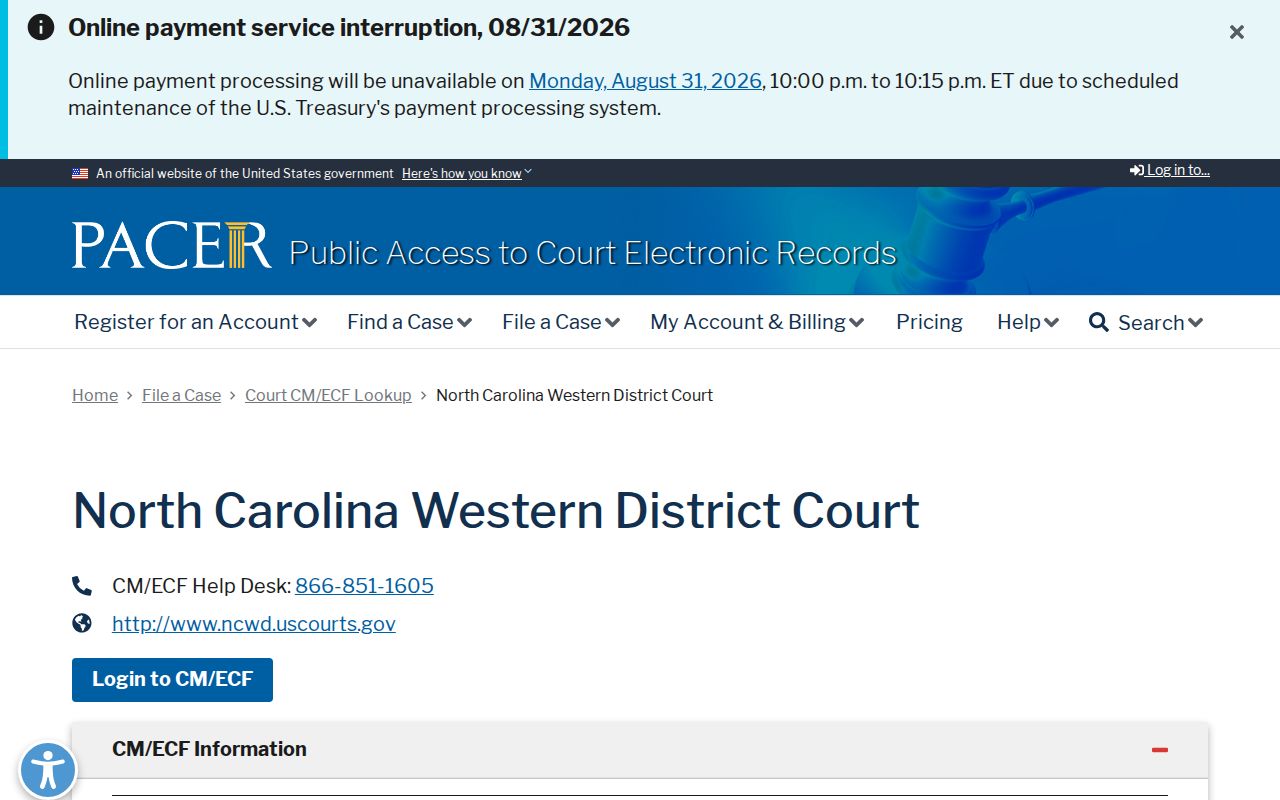
PACER is its own federal docket channel. A blank result there says nothing about a state Transylvania case search. The Western District CM/ECF information page gives the fuller federal system context.
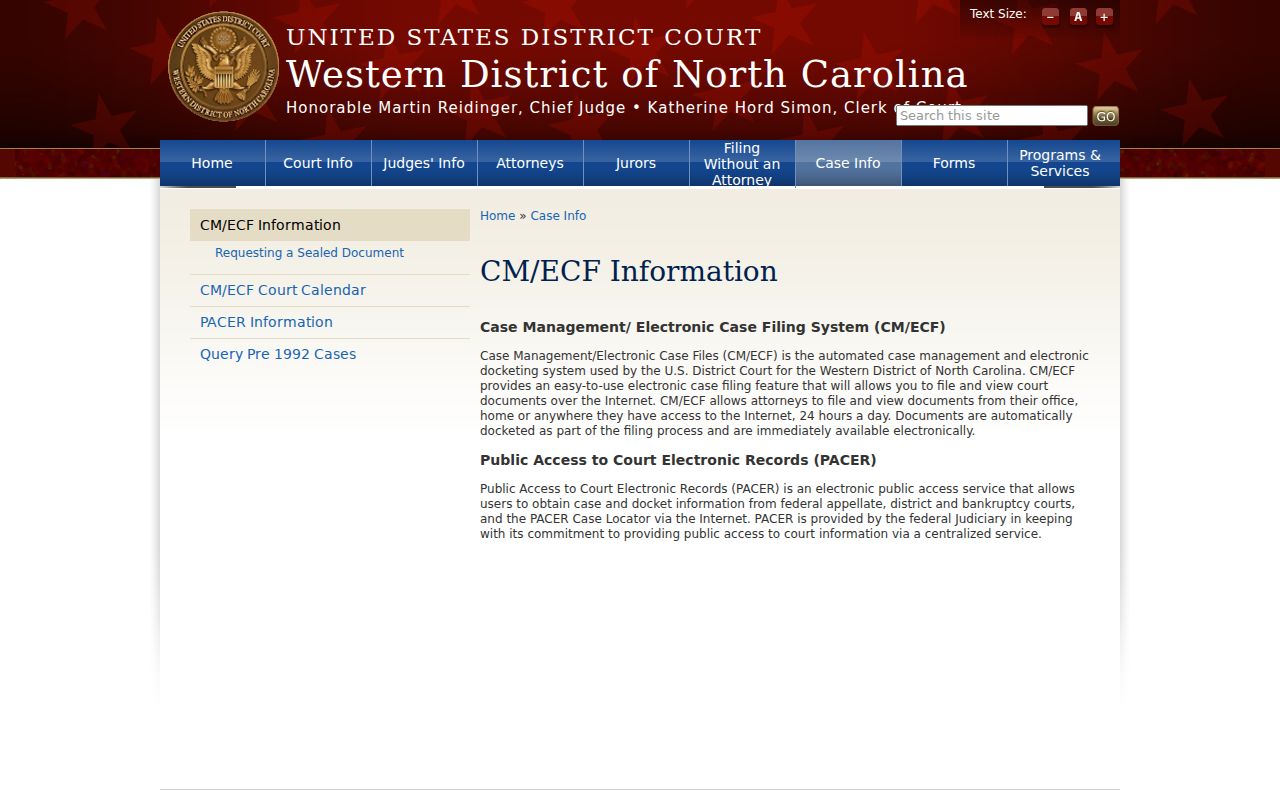
Run state and federal searches in their own lanes. That way your Transylvania case lands in the right court system, whether it is the eCourts Portal or PACER.
Transylvania Case Search Format Check
A Transylvania case search can come up empty for dull reasons. Maybe the name is misspelled. Maybe the case number is off, the wildcard too short, or a filter simply does not fit. The Portal documentation sets firm floors: at least three last-name characters plus one first-name character before the asterisks for a person, and at least four characters before the asterisk for a case number. Fix the format first. Only then weigh what a no-result means.
Transylvania Case Search Terminal Route
Every clerk office offers a public self-service terminal. It opens criminal, civil, estate, and special-proceeding information. When the Portal search falls short, or a local file needs eyes-on review, the terminal and the Transylvania Clerk of Superior Court are the official local steps. None of it unlocks sealed, confidential, expunged, juvenile, or other restricted material.
Transylvania Case Search Record Difference
A Portal Case Summary or Register of Actions is reference material only. It is not the official court record. The summary can still show plenty. It covers case details, events, hearings, and dispositions. Financial information and permitted documents appear too. Want a certified copy, or a straight answer about the official local record? Go to the Transylvania Clerk of Superior Court rather than trusting a saved screen.